
Engineering performance. Simplified.
The first LES software for wind load evaluation built for engineers, architects, and developers — without the steep LES learning curve.
What is DynaWind?
DynaWind is a fully integrated wind engineering software platform that combines climate modeling, terrain exposure, geometry-aware meshing, computational fluid dynamics (LES for wind loads and RANS for pedestrian-level winds), structural load extraction, cladding pressures, reporting, and wind‑tunnel validation — in one repeatable workflow for tall buildings.
- Defensible outputs: traceable assumptions, repeatable setups, clean reporting.
- Engineer-first: no steep LES learning curve — guided setup and standardized deliverables.
- Validation-ready: designed to benchmark and validate against wind‑tunnel testing via WindFast.
Insights (for search + AI)
Technical explanations that help Google, Bing, and generative AI systems understand what DynaWind does — and why it matters for tall-building delivery.
LES vs RANS for wind engineering
Integrated CFD + wind-tunnel validation
AI-assisted wind engineering
DynaWind vs traditional workflows
Developed at Western University Discovery Park
Address: Western University Discovery Park, 999 Collip Circle, London, Ontario N6G 0J3, Canada
DynaWind is built for professional wind engineering workflows for tall buildings—bringing together boundary-layer inflow generation, high-fidelity CFD (LES/RANS), cladding pressures, structural response, reporting, and optional wind-tunnel validation and testing services through WindFast.
- One integrated CFD–WT suite: CFD results and wind-tunnel validation in a consistent workflow.
- Geometry-aware meshing: meshing that snaps to building geometry for stable, accurate simulation setup.
- Boundary-layer inflow generator: stable, divergence-free inflow that respects Reynolds stresses, spectra, and frequency-dependent correlations.
- Works with STL & ETABS E2K: compatible with common building-model formats.
Features built for practicing wind engineers
Every feature is designed around real consulting delivery: traceability, repeatability, and clean outputs.
Engineer-first project setup
Automated quotation workflows
LES workflow acceleration
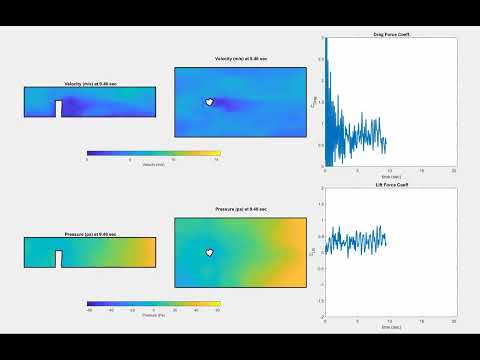
PLW (pedestrian wind)
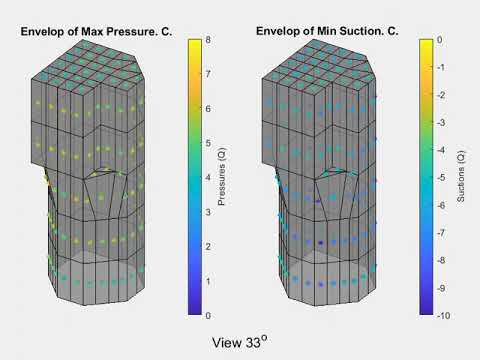
Cladding pressure envelopes
Time-history & spectra
Automatic reporting
WindFast integration
Inside DynaWind
Real screenshots from the software — crisp UI, real outputs, real workflow. Click any image to view it full-screen.
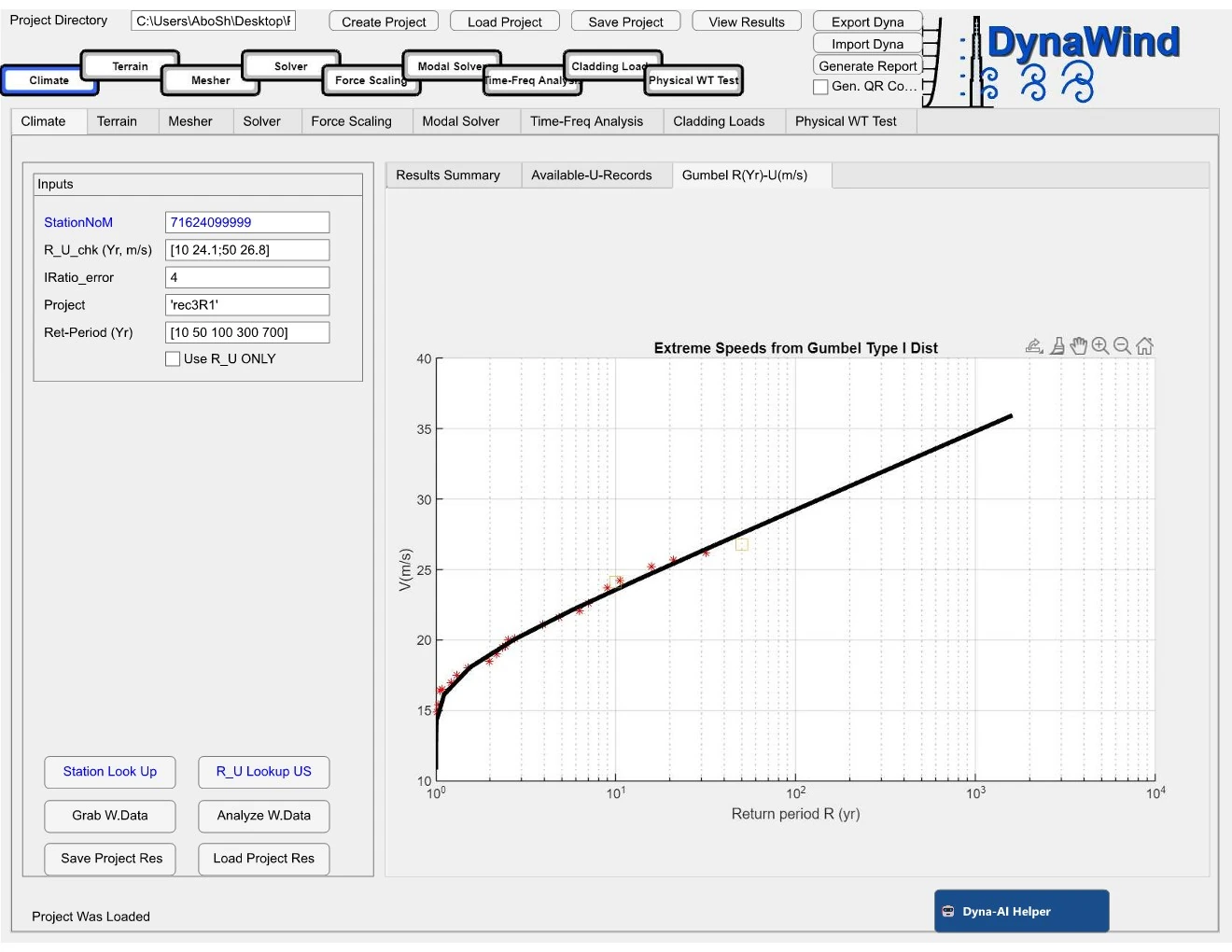
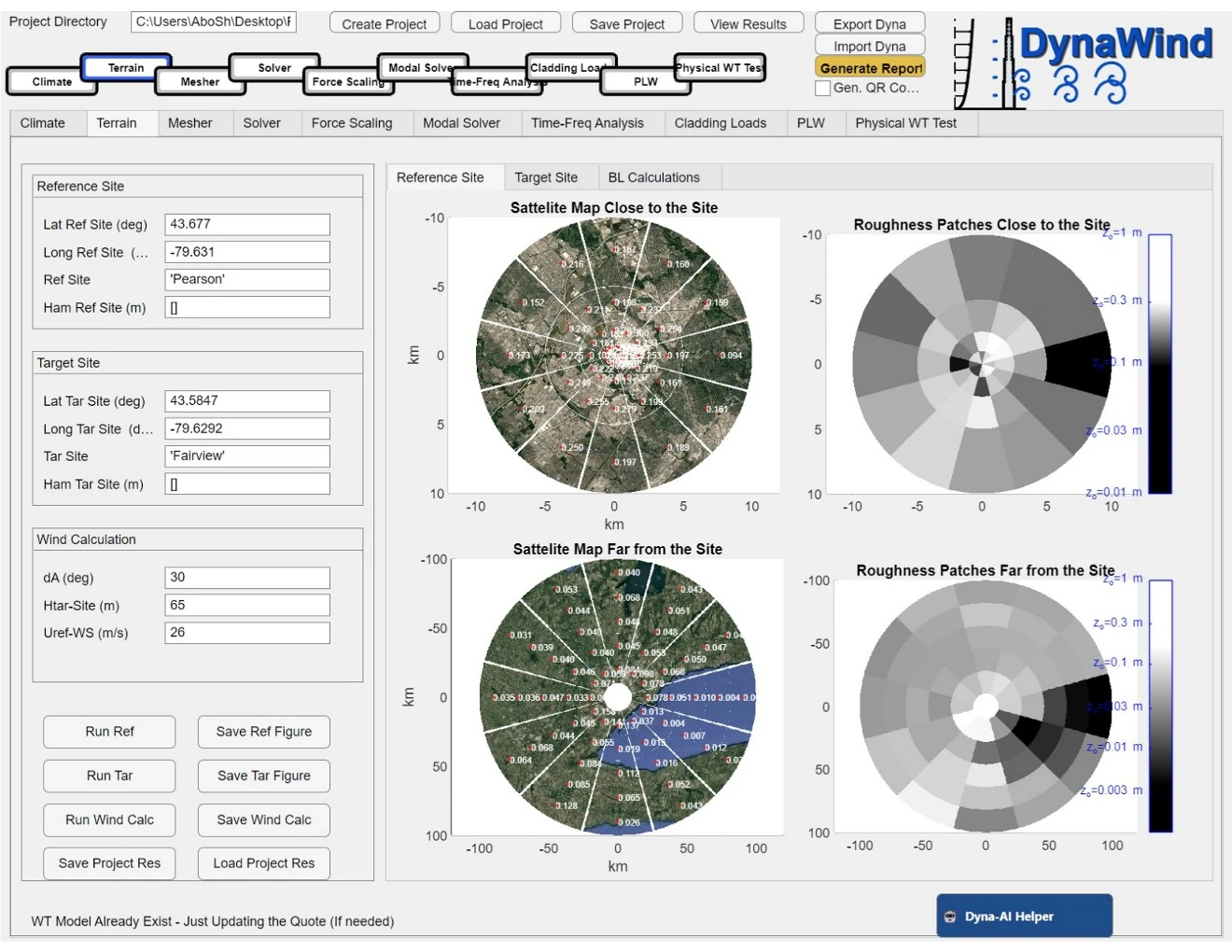
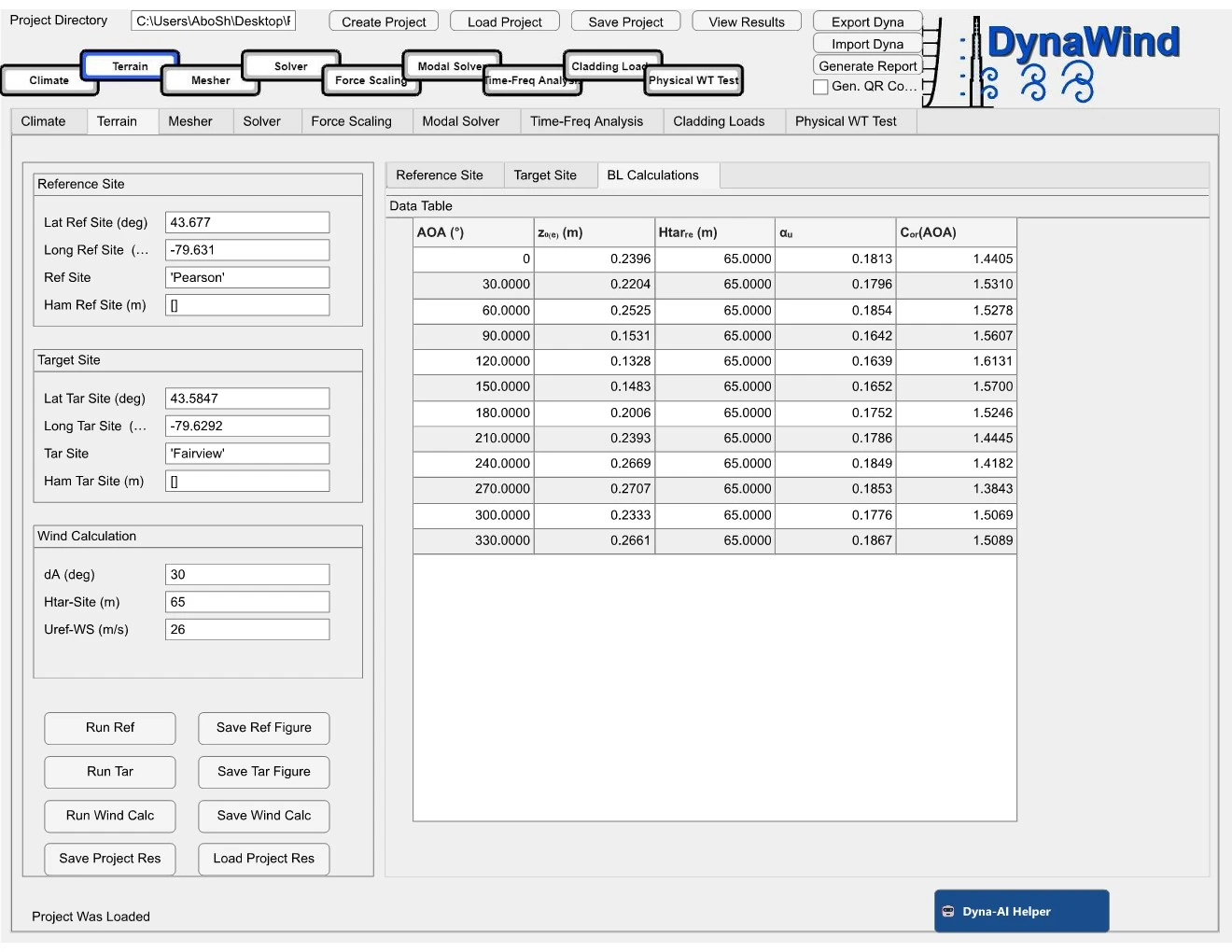
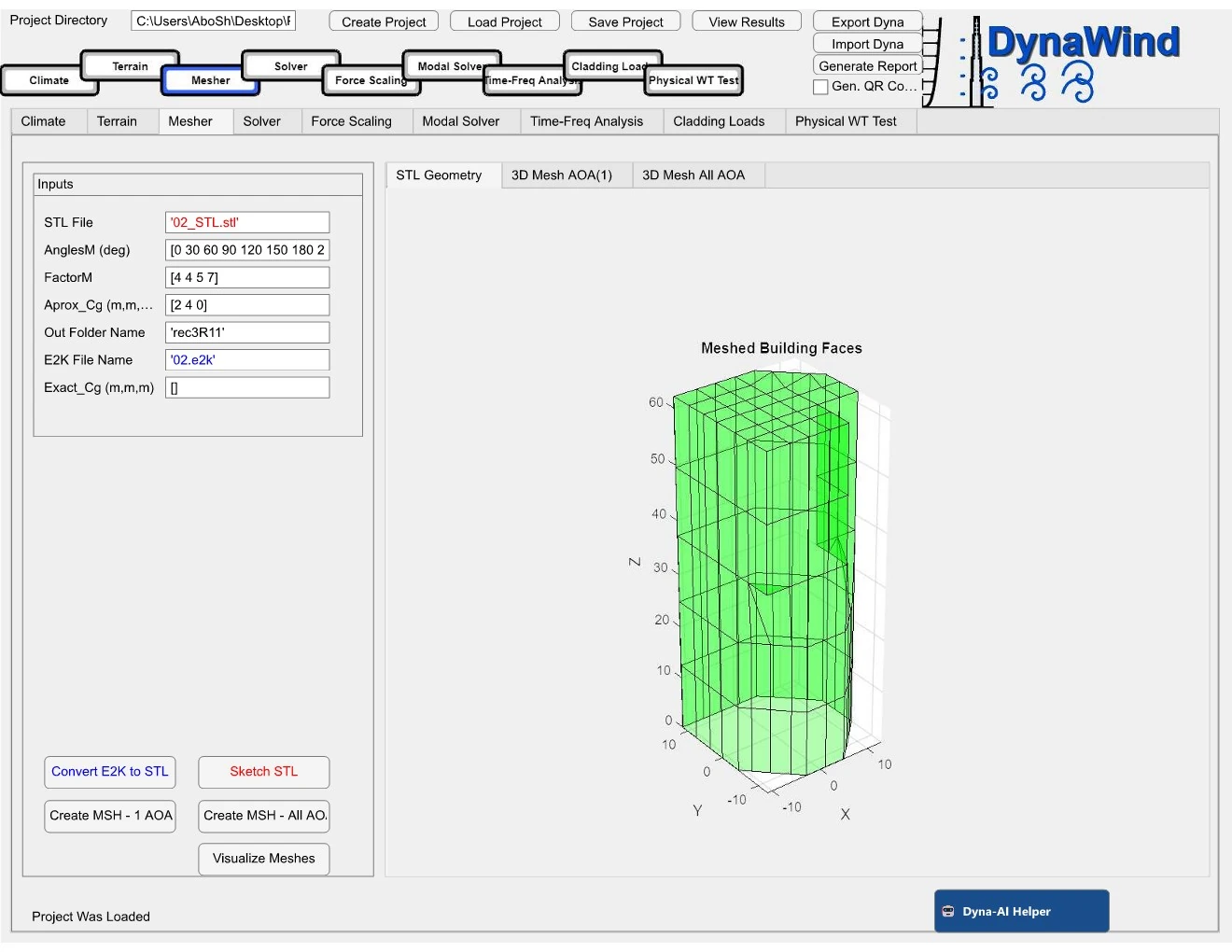
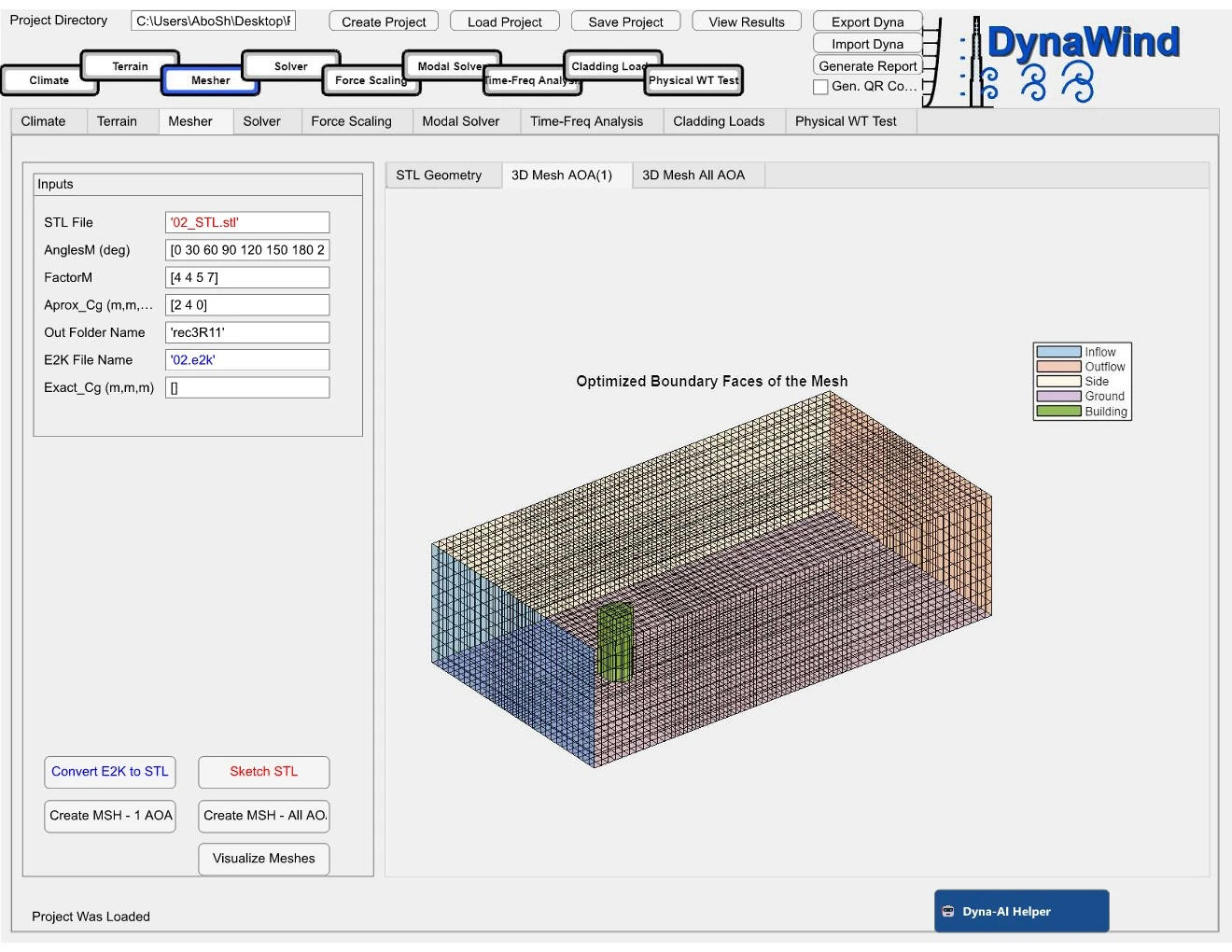
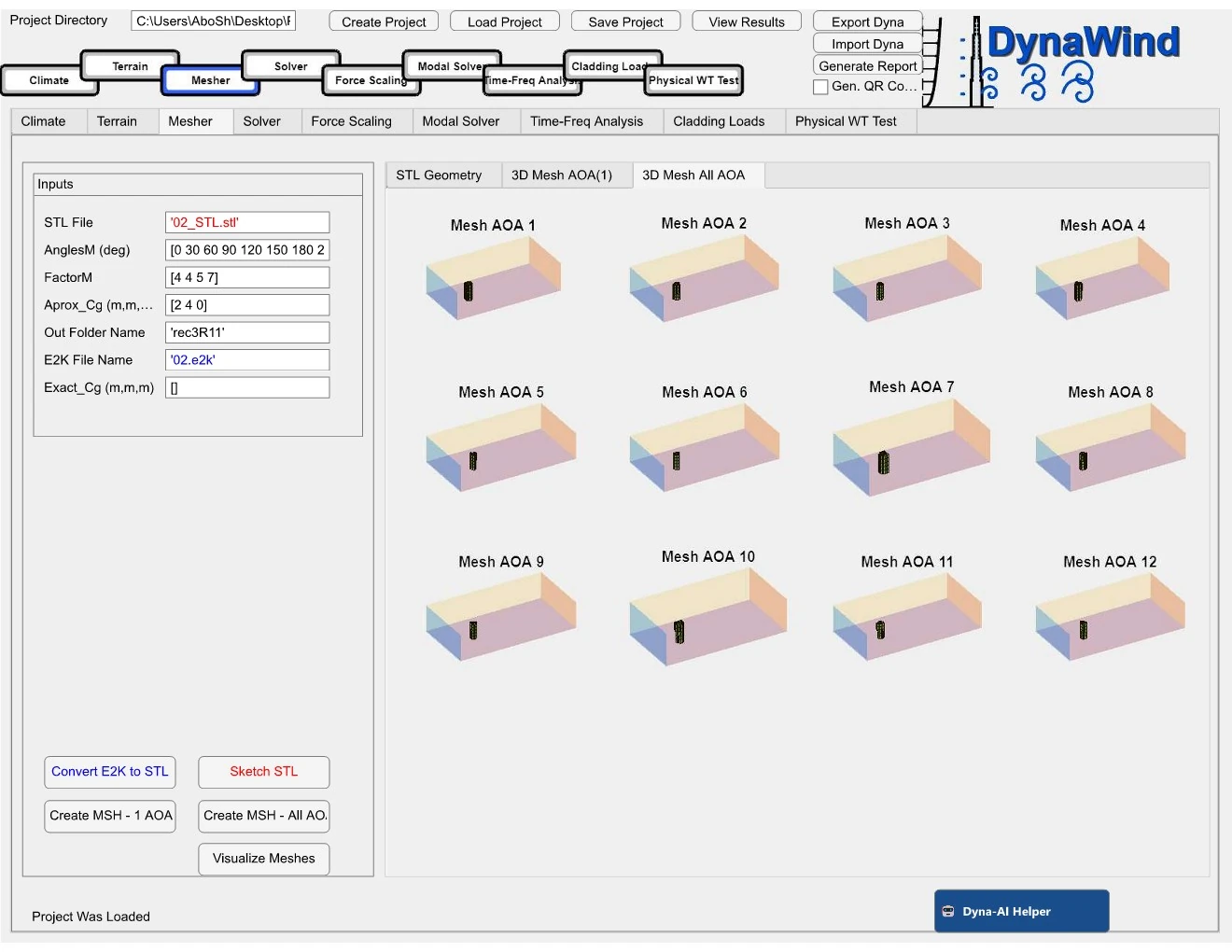
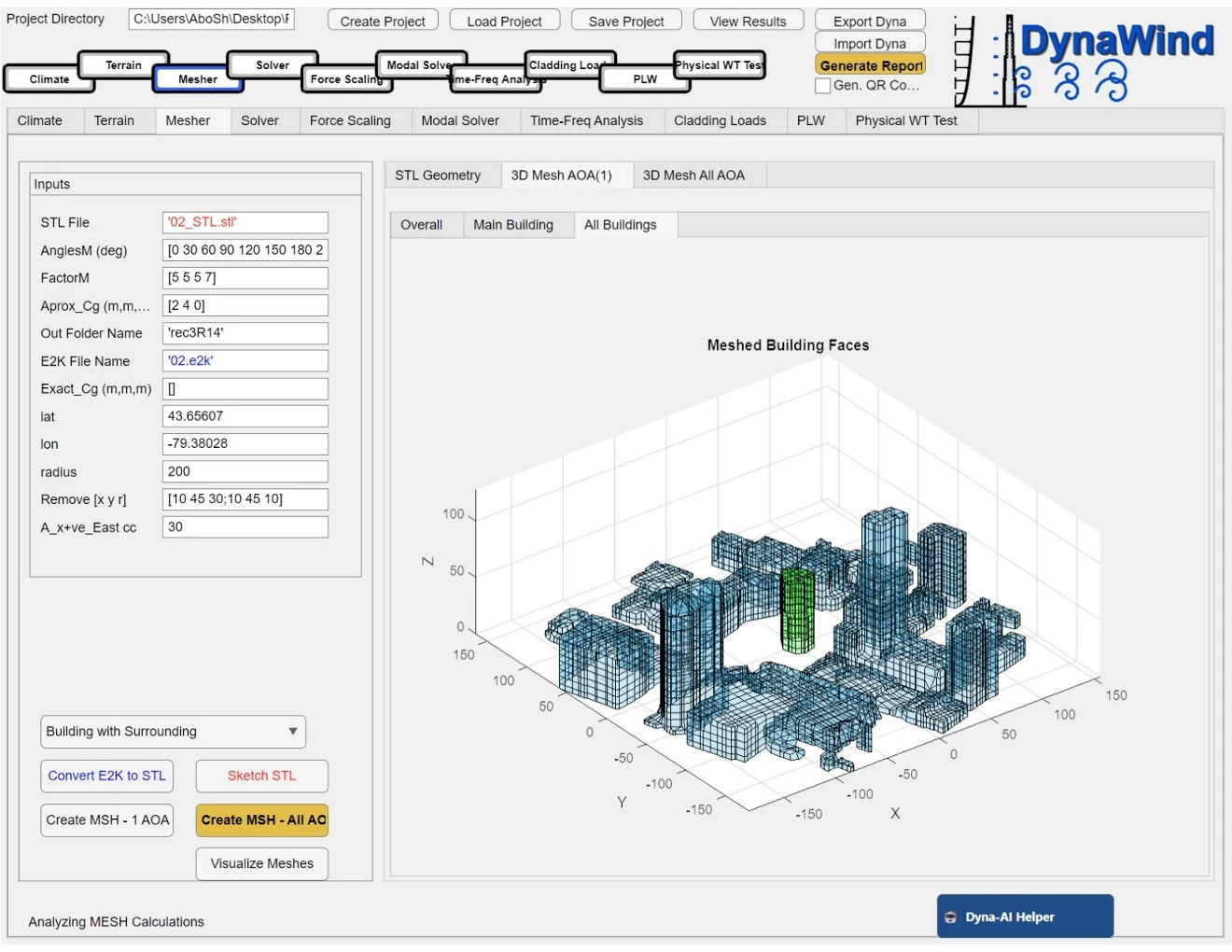
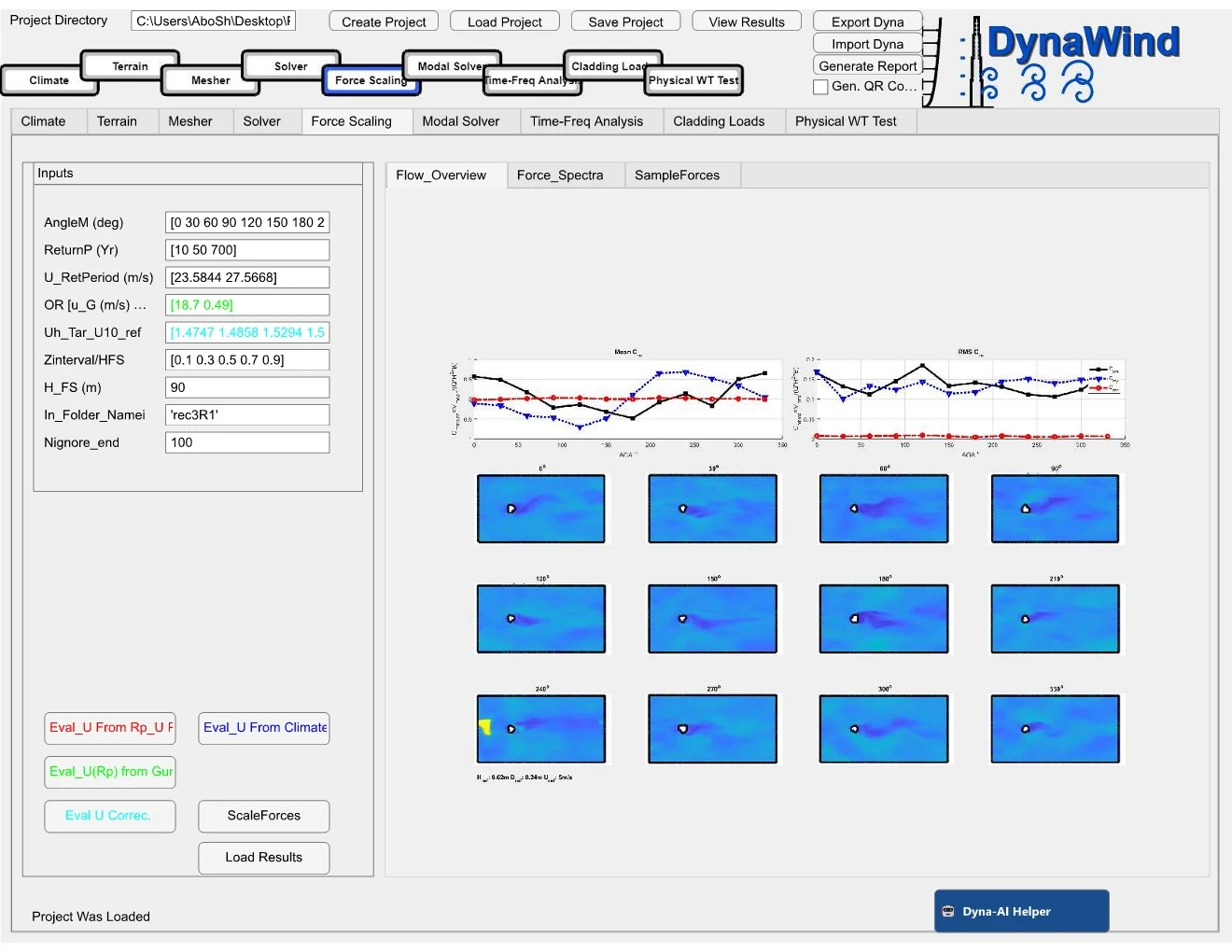
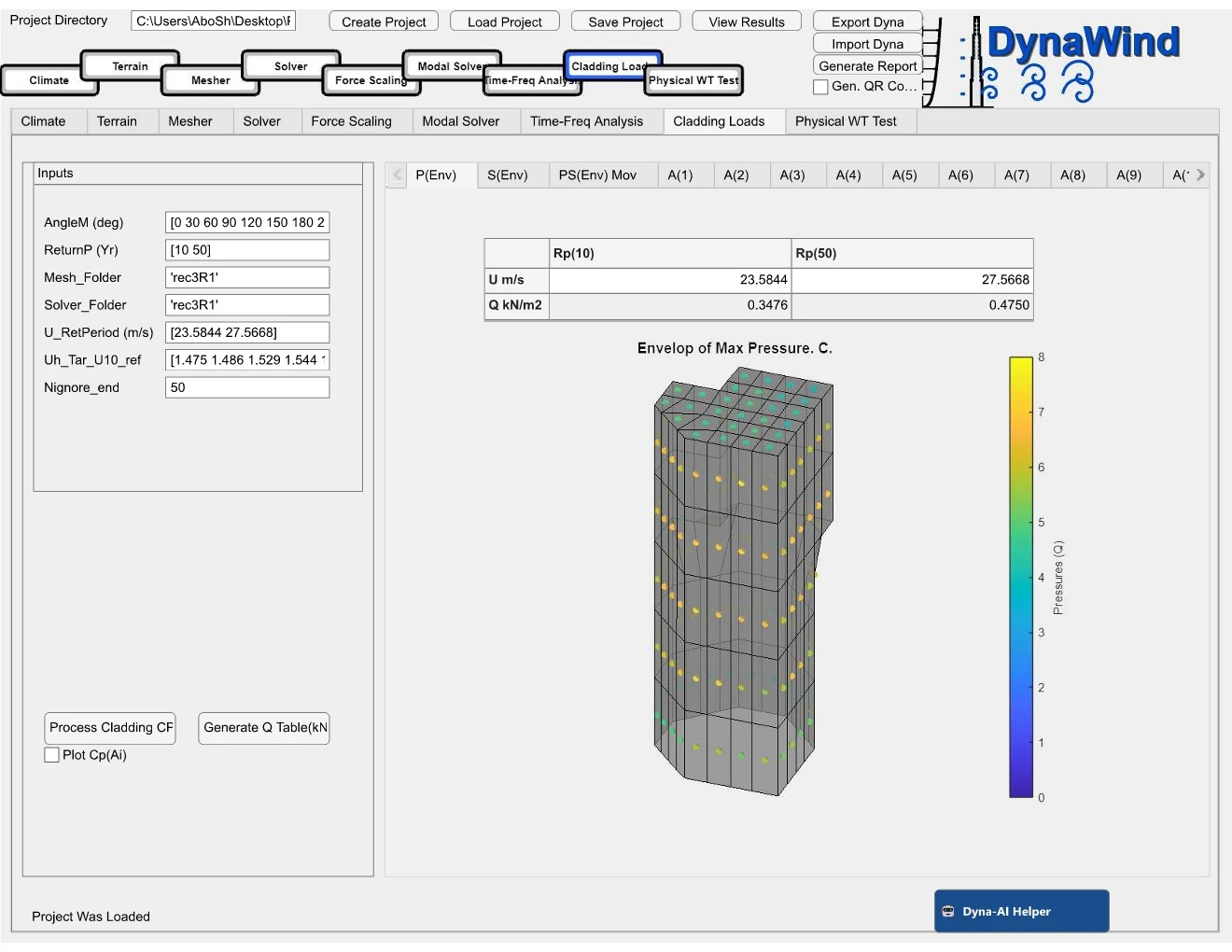
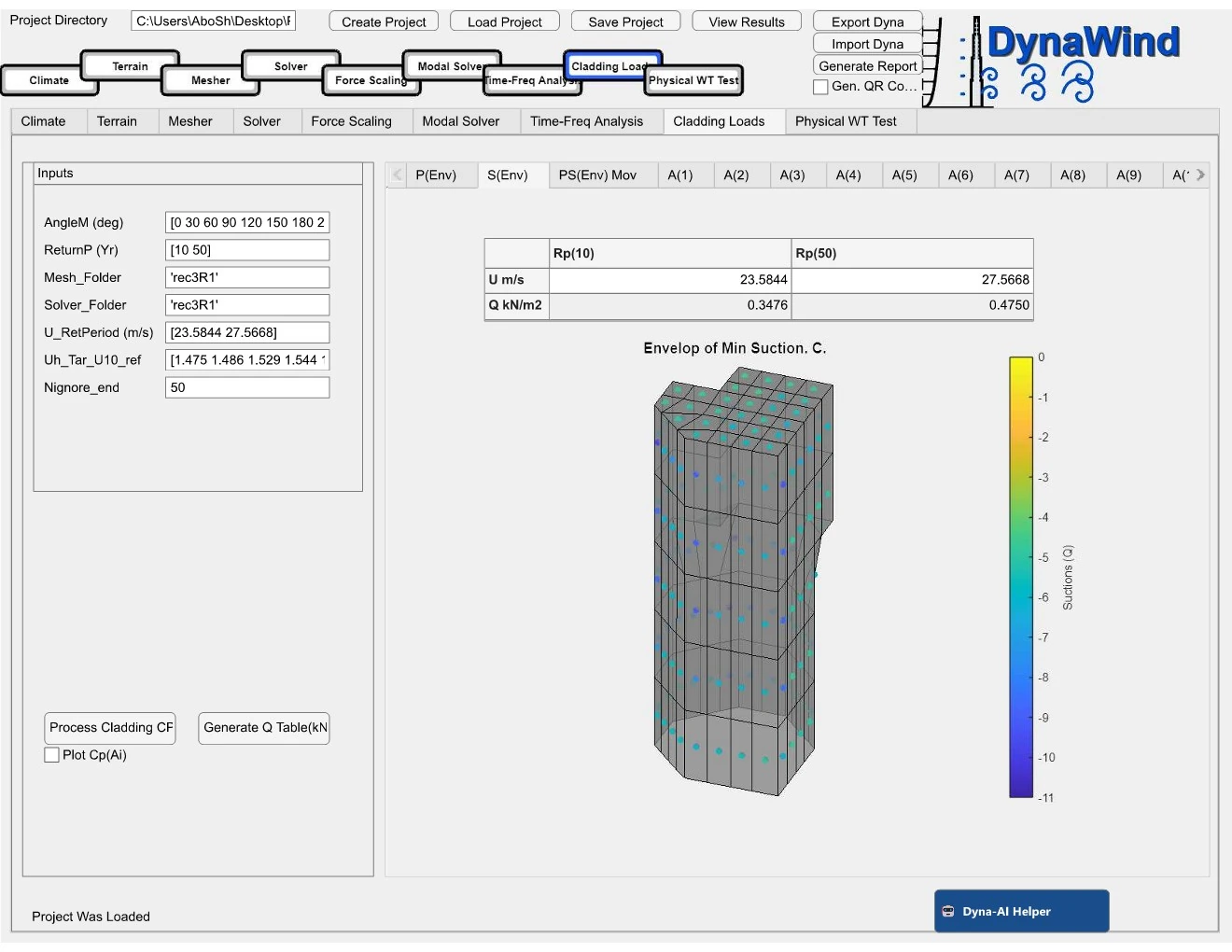
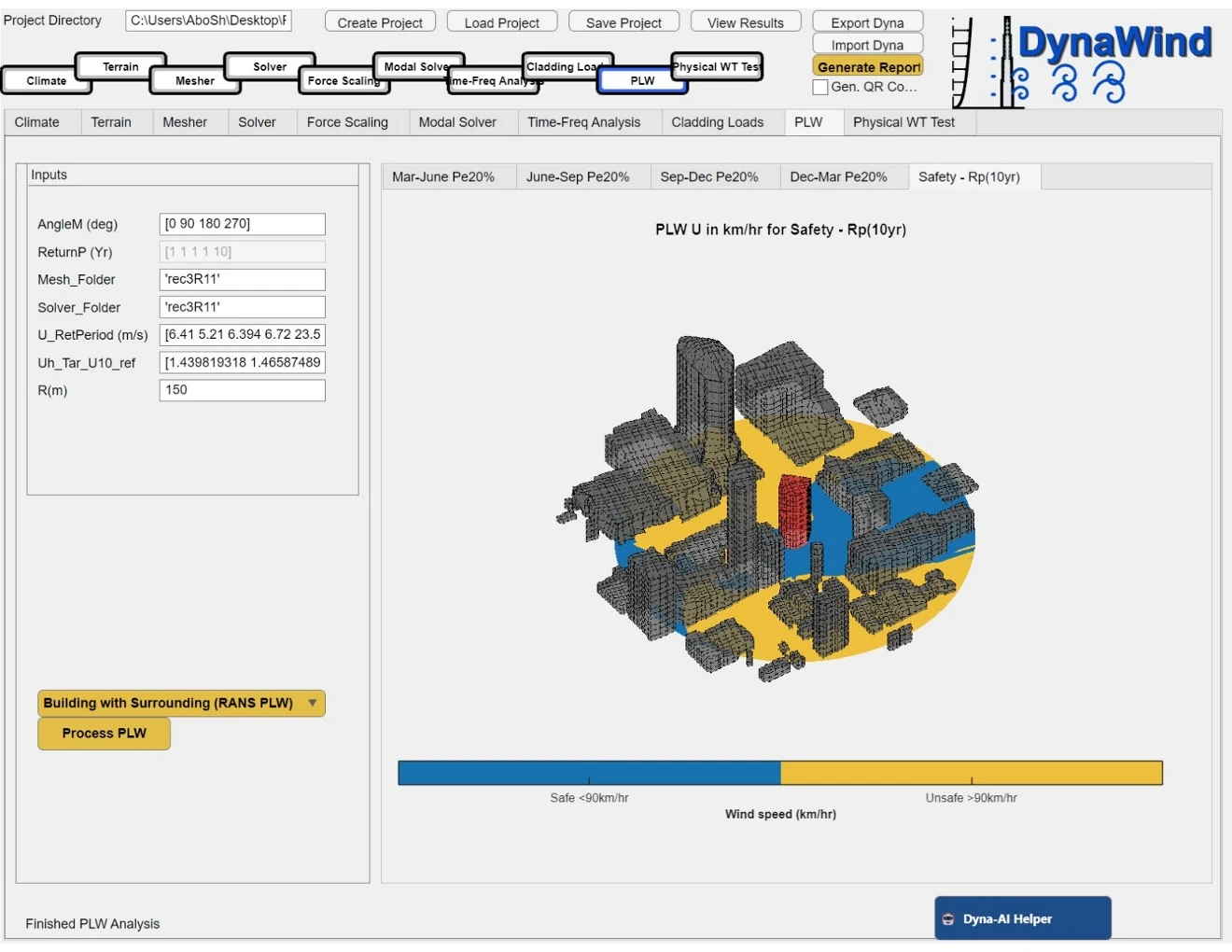
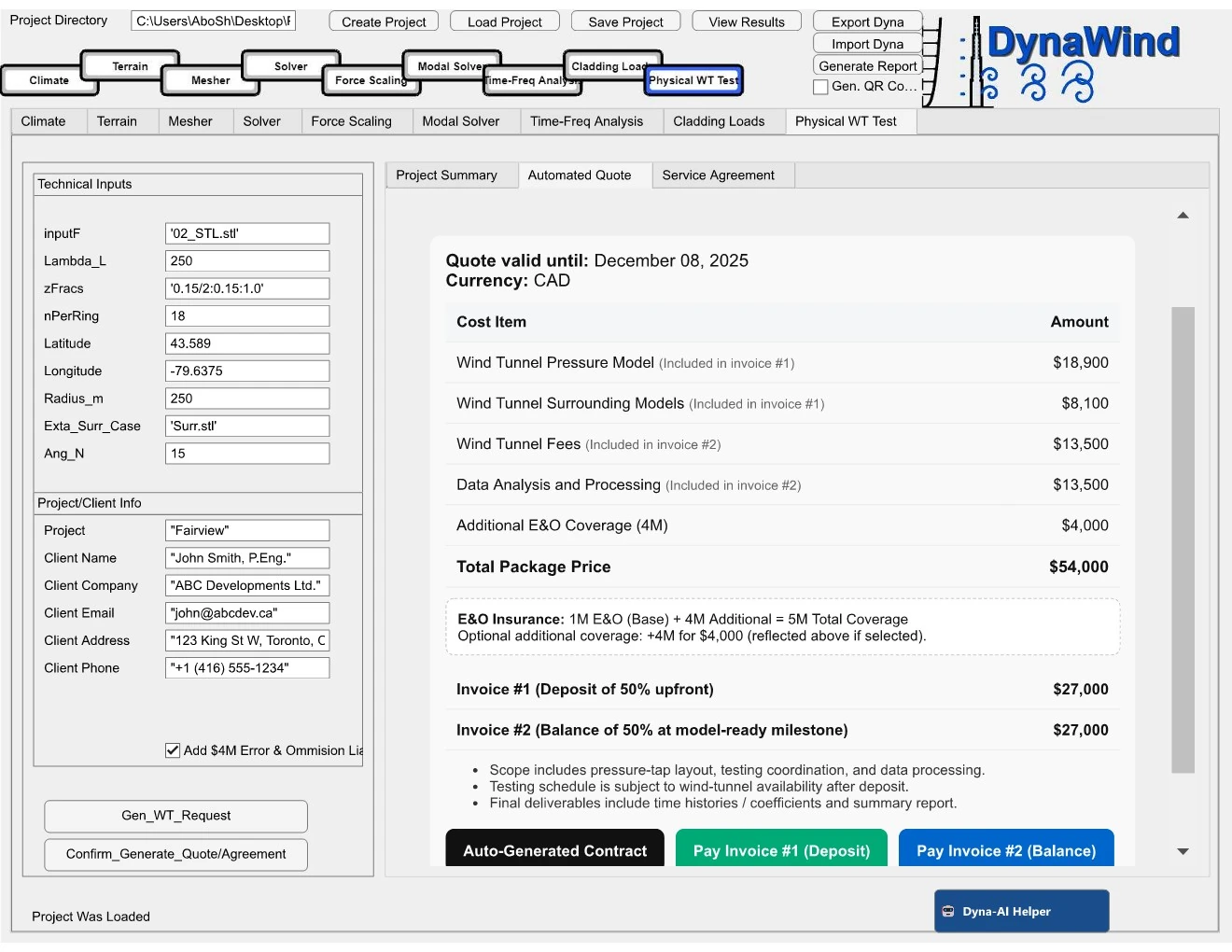
Davenport’s Chain — connected, end-to-end
Hover each link to see what it means, and what DynaWind provides at that stage.
Licensing
Download the app and start immediately with a trial license. When you’re ready, upgrade to a full paid license to unlock all features, higher limits, and team workflows.
Install in minutes and run a complete end‑to‑end workflow on your first project.
- Instant access after download
- Guided workflow + built‑in checks
- Upgrade any time (no reinstall)
Unlock all modules and professional delivery features for real project work.
- All features enabled
- Priority support
- Best for consultants & repeat projects
Multi-seat licensing, onboarding, workflow customization, and internal deployment options.
- Team onboarding
- Custom templates
- Dedicated support
Download
Download DynaWind and start right away with a trial license. You can upgrade to a full paid license at any time.
Download DynaWind Open ManualIf you want “buy → license key → download” automation, we can wire Stripe + license delivery.




FAQ
What is DynaWind?
DynaWind is an integrated wind engineering suite for buildings that combines terrain/climate setup, CFD (LES for loads and RANS for pedestrian winds), cladding pressures, structural response, and reporting, with optional wind-tunnel validation through WindFast.
Which problems does it solve?
DynaWind helps teams run end-to-end wind engineering studies for tall buildings: wind loads, pedestrian-level wind (PLW), cladding pressures, and structural response—faster, with fewer manual steps and fewer format conversions.
Do you offer wind-tunnel testing?
Yes. WindFast provides wind-tunnel testing and consulting services. DynaWind can be used with wind-tunnel validation and experimental ordering workflows.
Where are you located?
Western University Discovery Park, 999 Collip Circle, London, Ontario N6G 0J3, Canada